
Petaluma People Directory Sources
No one list covers every person connected to Petaluma. The best directory depends on the role or trace already known. A city roster is built for public contacts, while a school directory lists staff at a campus. The recorder index acts like a directory of people named in recorded documents. The assessor starts with a parcel or street address, not a resident name. Library collections reach much farther back but can require an in-person request or help from local-history staff.
| Petaluma Directory | People Included | Record Keeper | How to Browse |
|---|---|---|---|
| City People roster | Officials, staff, consultants | City of Petaluma | Free web list |
| City Schools staff list | District and school staff | Petaluma City Schools | Name or title search |
| Faculty and staff lookup | Faculty and staff, not students | Sonoma State University | Five-field web search |
| SRJC employee lookup | College staff, including campus contacts | Santa Rosa Junior College | Free web lookup |
| Grantor/grantee index | Principal parties to recorded documents | Sonoma County Clerk-Recorder | Split online and historical indexes |
| Restricted voter file | Registered voters, with confidential records excluded | Sonoma Registrar and California SOS | Approved-purpose application only |
| City and phone books | Past residents and businesses | Sonoma County Library | Library and local-history collections |
Begin with the narrowest authoritative roster. For a city contact, use the City People list. For a teacher or college official, use the institution's own directory. A property name or old address belongs in county indexes and local-history collections. These people directories describe different relationships to Petaluma, so a missing name in one list does not show that the person lacked a connection to the city.
Petaluma City Staff Directory Fields
The Petaluma City People directory lists officials, department staff, and some consultants. Department pages for Public Works, Planning, Police, Parks and Recreation add more focused rosters. These are work-contact directories, not lists of residents. A listing may help identify the right records custodian, project contact, or city official without exposing a home address.
| Name | The listed staff member or consultant |
|---|---|
| Position | Public role or work title |
| Department | City unit or roster category |
| Phone | A direct or department work number when published |
| Contact | An email link when the city provides one |
| Not included | Home addresses and a general resident list |
The official Public Works staff directory is a useful next stop when the main roster is too broad. If a name is absent, call the department or City Hall at (707) 778-4345. A specific city record can be sought through NextRequest, but the full access process belongs with Petaluma public records.
Note: City Hall lists Monday through Thursday access and closes Fridays, so confirm office availability before relying on a counter visit.
Petaluma Education Directory Searches
The Petaluma City Schools staff directory searches by name or title. Its cards can show a name, role, district email, phone when published, and school or department context. Some entries also use a photo or initials. It does not publish student directory information or home addresses. Individual school pages may add teachers, principals, librarians, subjects, and campus contact details.
College directories cover a wider regional network. Sonoma State's Faculty and Staff Directory accepts last name, first name, work title, phone, and email; it states that student directory data is unavailable. The Santa Rosa Junior College staff lookup is relevant because SRJC operates a Petaluma campus. Search names and roles there when a college connection is known.
The official SRJC staff lookup shown below is a direct directory entry point.
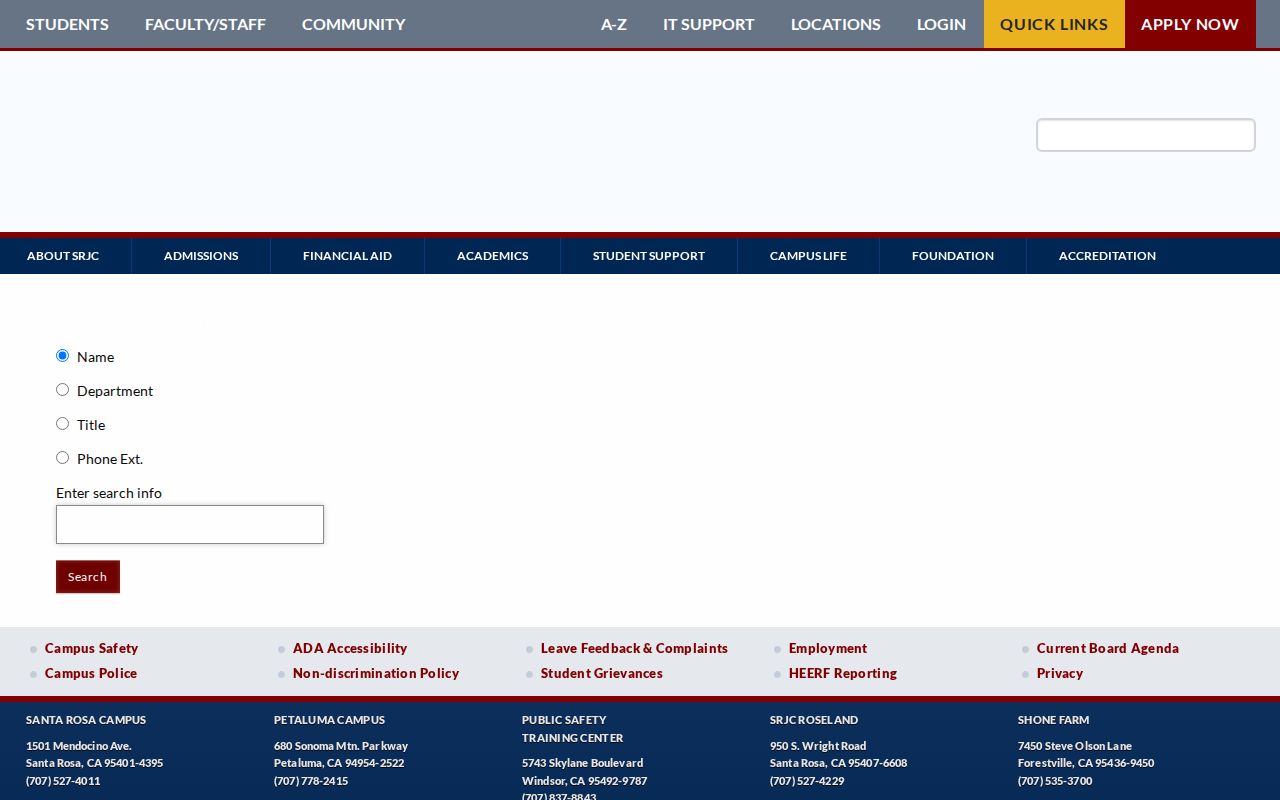
The screen separates college staff searches from resident research and keeps the result tied to an institutional role.
Petaluma Names in Recorder Directories
The Sonoma County recorder index works as a name directory of principal parties to deeds, liens, maps, and other official public records. The Document Records Search covers the online official record index from 1964 forward. Older grantor and grantee names sit in a separate historical index for 1830 through 1963, while handwritten books can be viewed at the recorder's Santa Rosa office.
A grantor transfers an interest; a grantee receives it. Search both roles when tracing a parcel or family name. Pre-2010 entries may shorten common words. From 1964 through 1990 even the first word could be abbreviated. Try spelling variants and date-aware abbreviations before deciding that a person is missing. The index identifies a document number, but California law limits broad online display of recorded document images. Copies and free in-office viewing are separate access steps.
- Grantor
- A party giving or transferring a recorded interest.
- Grantee
- A party receiving that interest.
- Index
- A finding aid that points to a record; it is not the record image.
- Document number
- The identifier needed to request the correct recorded document.
Petaluma Property Directory Paths
Property tools are address directories more than name lists. The Sonoma County Assessor search offers Fee Parcel, Assessment, and Street Address modes. Its public screen does not show an owner-name tab. Start an address search without a road suffix if an exact match fails, and use N, E, S, or W for directions. A deed may spell an address in a shorter form.
Permit Sonoma Parcel Search accepts a parcel number or physical address. The GIS Property Hub adds parcel boundaries and geographic layers. These tools help determine whether a Petaluma mailing address lies within city limits or an unincorporated county area. That distinction controls whether city permit files or Permit Sonoma are the more useful next directory.
Read the parcel number, jurisdiction, and map layers together before choosing a city or county directory for the next step.
Petaluma License and Business Directories
The California Department of Consumer Affairs advanced search is a statewide directory for many regulated occupations. Search fields include first and last name, license number, business name, board or bureau, license type, city, county, and status filters. Results can show whether a license is current, expired, suspended, revoked, or subject to discipline. Some boards keep their own systems, so follow the agency link when a profession is not present in DCA.
Board and license-type controls distinguish people who share a name without turning the search into a broad resident lookup.
For business ties, California bizfile Online lists corporations, limited liability companies, limited partnerships, agents, addresses, and filing PDFs. The Sonoma recorder also indexes fictitious business names and professional registrations. UCC records add debtor, secured-party, and file-number searches. Together these directories can verify a seller, follow a business filing trail, or separate two similar names.
Petaluma Public Safety Directories
Public-safety rosters have strict scope and should not be read as general people directories. The Sonoma Sheriff arrest log displays agency, date and time, arrest and incident numbers, charge, arrest location, name, age, status, and zone. An arrest entry is not proof of conviction. Current custody is a different data set, searched by last name or booking number through the Sheriff's jail tool.
The official arrest-data source below shows the table-based lookup and its status fields.
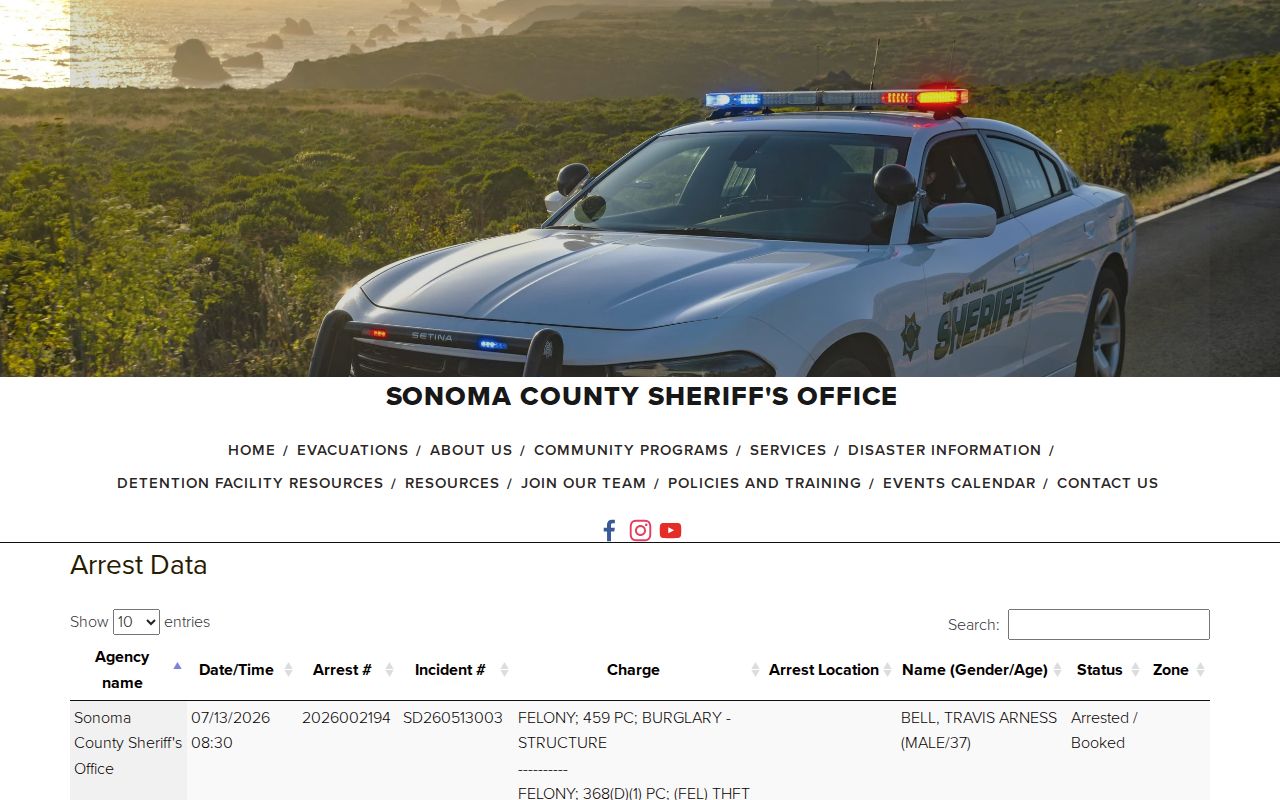
Read the agency, date, charge, and status together rather than treating a name hit as a final fact.
The Sheriff's custody-search source below includes the disclaimer that is part of the directory record.
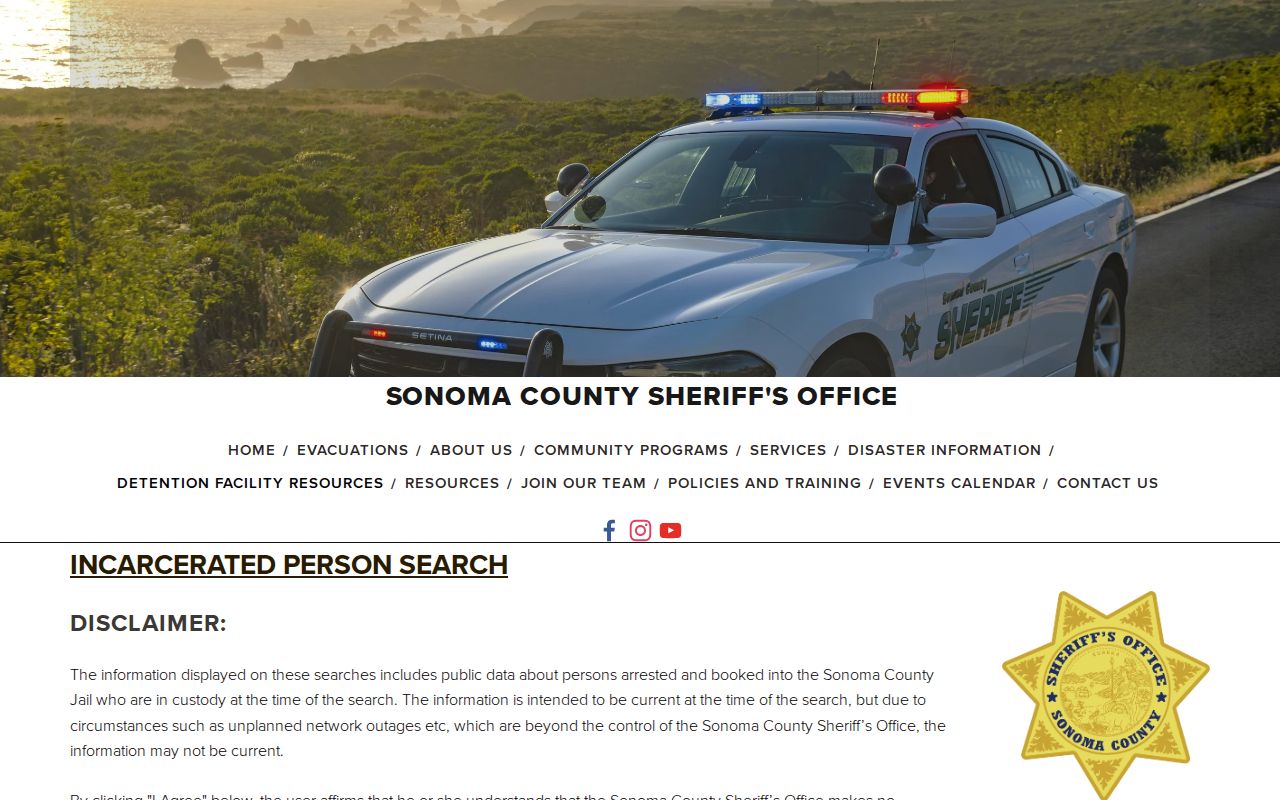
It explains that results cover people booked into Sonoma County Jail who are in custody when searched and may lag during an outage.
The California Megan's Law registry is a separate public-safety directory with limits stated at its search gateway.
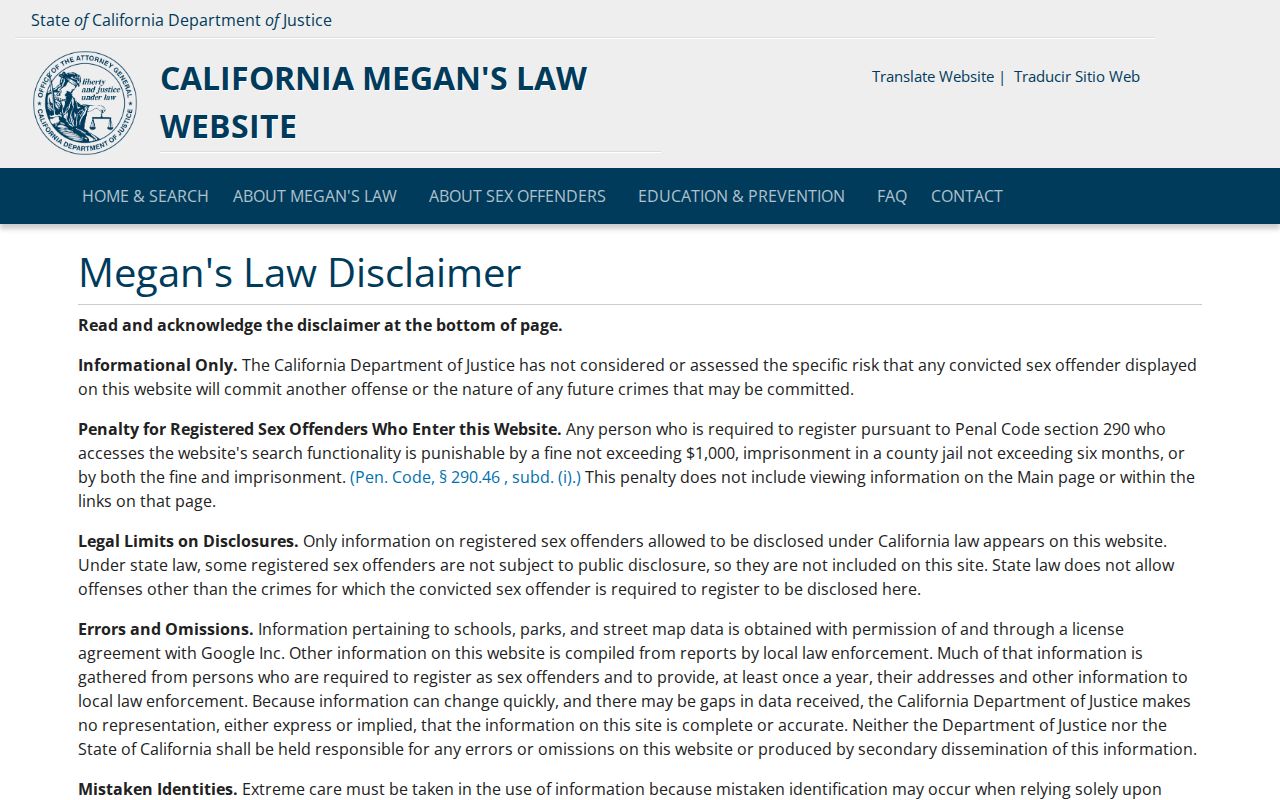
Only registrants and offenses that California law allows to be disclosed appear, so the directory is not a list of every registered person.
Use these records with care. Do not harass or harm anyone named in a roster. Verify status with the keeper before acting on a result.
Sonoma Faculty Directory Fields
Sonoma State's directory is a strong example of a focused roster. Each field can narrow a common name without asking for personal details. A surname can be paired with a first name, title, work phone, or university email. Empty fields allow a broader search, while the page clearly excludes student information.
| Search Field | Input | Directory Limit |
|---|---|---|
| Last Name | Text | Faculty and staff only |
| First Name | Text | Can pair with surname |
| Work Title | Text | Searches displayed work roles |
| Phone | Text | Published work contact |
| Text | Published university contact |
The official Sonoma State directory form provides the five filters shown in this inventory.
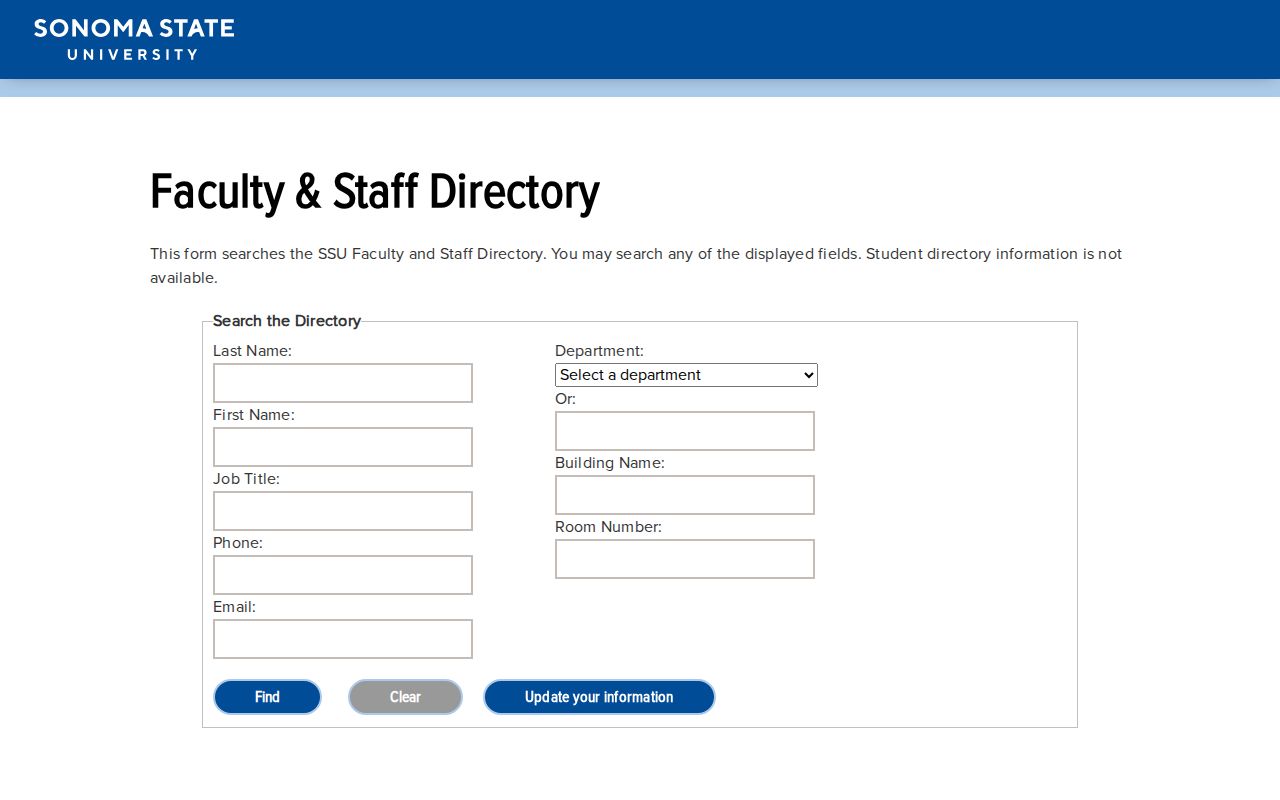
Use a title or contact field to test whether a same-name result belongs to the institution and role already known.
Historical Petaluma People Directories
City and phone directories held through the Sonoma County History and Genealogy Library can date to the 1870s, though the exact Petaluma year run was not verified in the research. These books may list a resident, address, occupation, or business. They were not issued every year, and old volumes can omit women who headed households or lack an address cross-reference. A gap is not proof that a person was absent.
The Petaluma History Room in the regional library adds legal papers tied to local attorneys and cases, historical photographs, social-club files, and Petaluma Adobe material. County library collections also include old maps, phone books, high school yearbooks, newspapers, cemetery and vital indexes, wills, diaries, family scrapbooks, and local business records. Ask staff which years and formats are available before planning a visit.
Petaluma History Room
Focus: Petaluma legal papers, social clubs, photographs, and Adobe material.
Directory years: Exact Petaluma runs require a catalog or staff check.
Access: Petaluma Regional Library local-history collection.
Sonoma County Archives
Coverage: 1840s through 2010s.
Holdings: More than 5,000 cubic feet of government and archival records.
Access: Catalog and finding-aid research; some items require an advance staff request.
- 1870s onward: Sonoma city and county directory holdings begin as early as this era, with exact Petaluma runs requiring a catalog or staff check.
- 1840s to 2010s: Sonoma County Archives spans this range across government records, maps, images, and bound volumes.
- Modern period: web staff, license, property, and business directories provide current role-based data.
Note: Pair a directory entry with a deed, census, probate file, or yearbook before treating an old address or occupation as settled.
Petaluma Heir Directory Trails
Probate and archive files can reconnect branches of a family when ordinary people directories stop. The Online Archive of California finding aid describes Sonoma County Probate Court material from 1854 through 1952. Its 47 volumes cover wills, guardianship, probate minutes, estate administration, inheritance tax, real-estate sale bonds, and indexes. Those records may name heirs, administrators, guardians, and property tied to an estate.
The Sonoma County Library archival collections exceed 5,000 cubic feet and span the 1840s through the 2010s. They include voter registrations, court and tax files, naturalization records, deeds, mortgages, wills, probate, school registers, business licenses, and oaths. Many items are represented only by brief catalog or OAC records. Some probate volumes are offsite, so researchers should call library staff to have material brought in before a visit.
This is a human use for local directories: a current surname may lead to an old probate index, then to a will or administrator record that names a prior generation. Keep each step tied to an official file. Historical rosters can contain spelling mistakes, missing years, and old forms of a name, so compare more than one source.